Regulatory & quality
Check your company's registration or the portfolio of your competitor
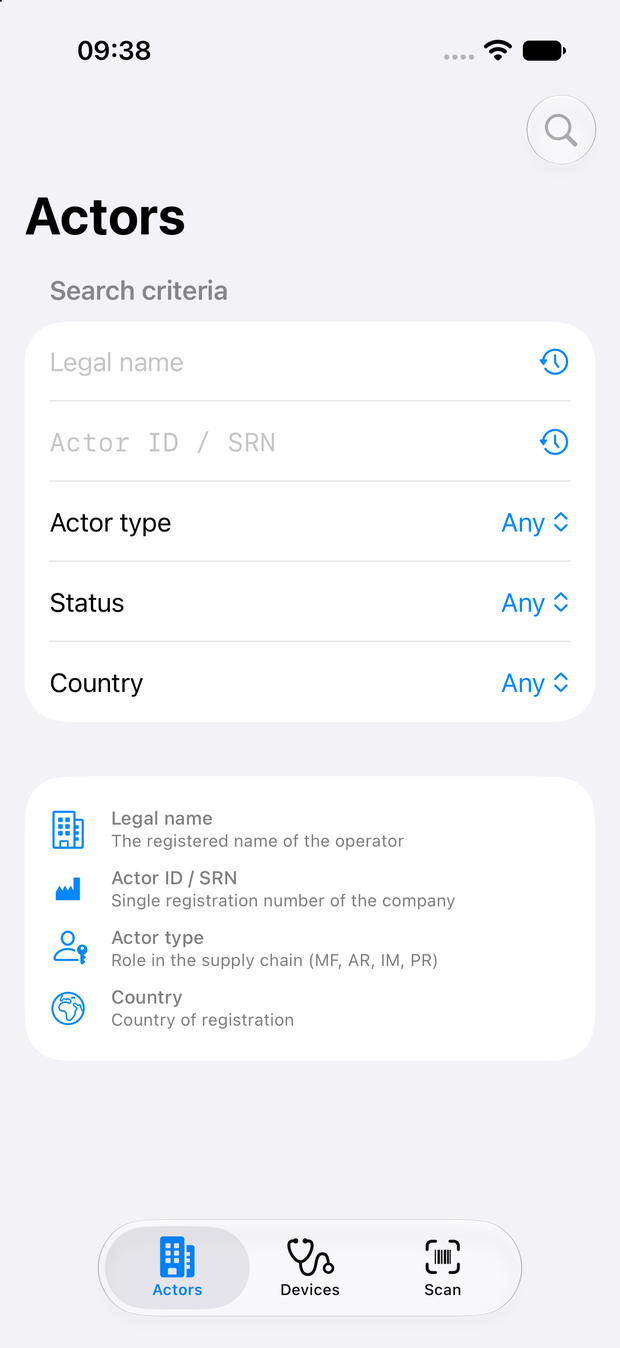
Before a market release or an audit, confirm every device shows the registration status you expect and has its attributes correctly populated. Build your RA strategy for new products based on the available data from competitors' portfolios, with their EMDN codes and risk classifications at your fingertips. Look up a competitor's portfolio to see how they've classified a comparable device, or to check whether a claim they're making about their own registration actually holds up in EUDAMED.
Hospital & clinical
Verify what's on the shelf
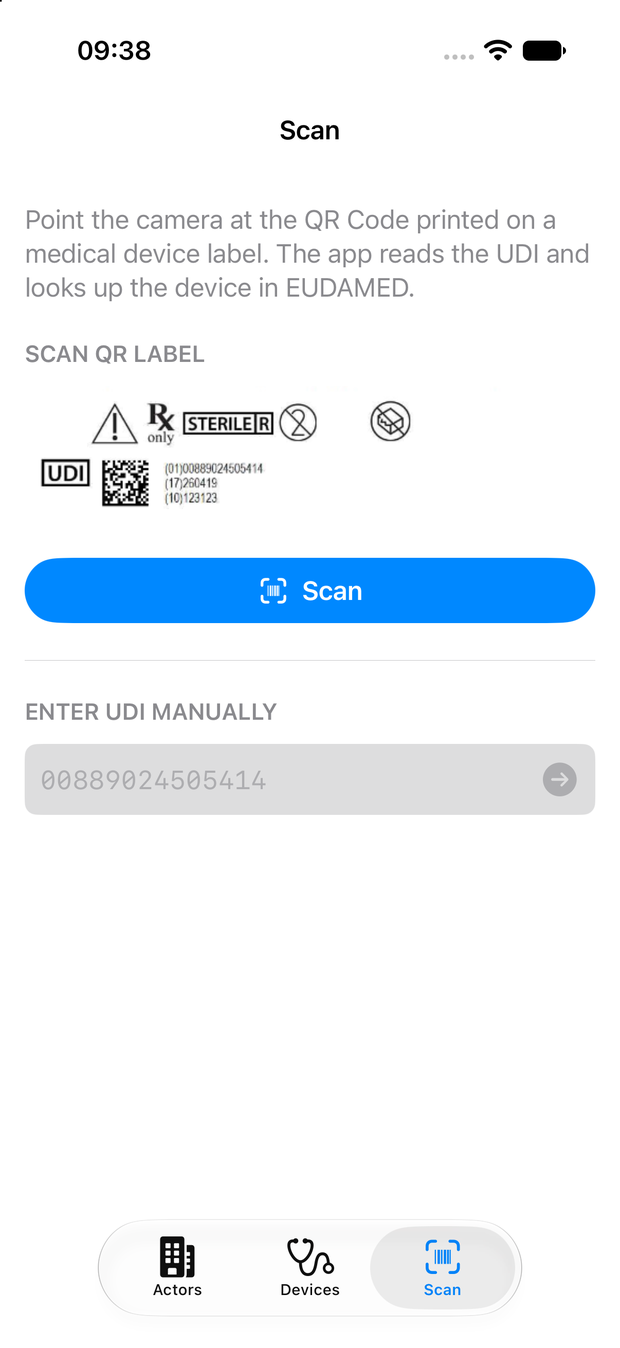
A device arrives in the stockroom with a UDI barcode on the package and not much else you can act on. Procurement can scan that barcode and see, in a few seconds, whether the device is actually registered in EUDAMED and which economic operator is responsible for it. Sterile processing departments can check whether devices are sterile, reusable or reprocessed, and find the manufacturer's eIFU website for further details.
Distribution & import
Check the chain before you take it on
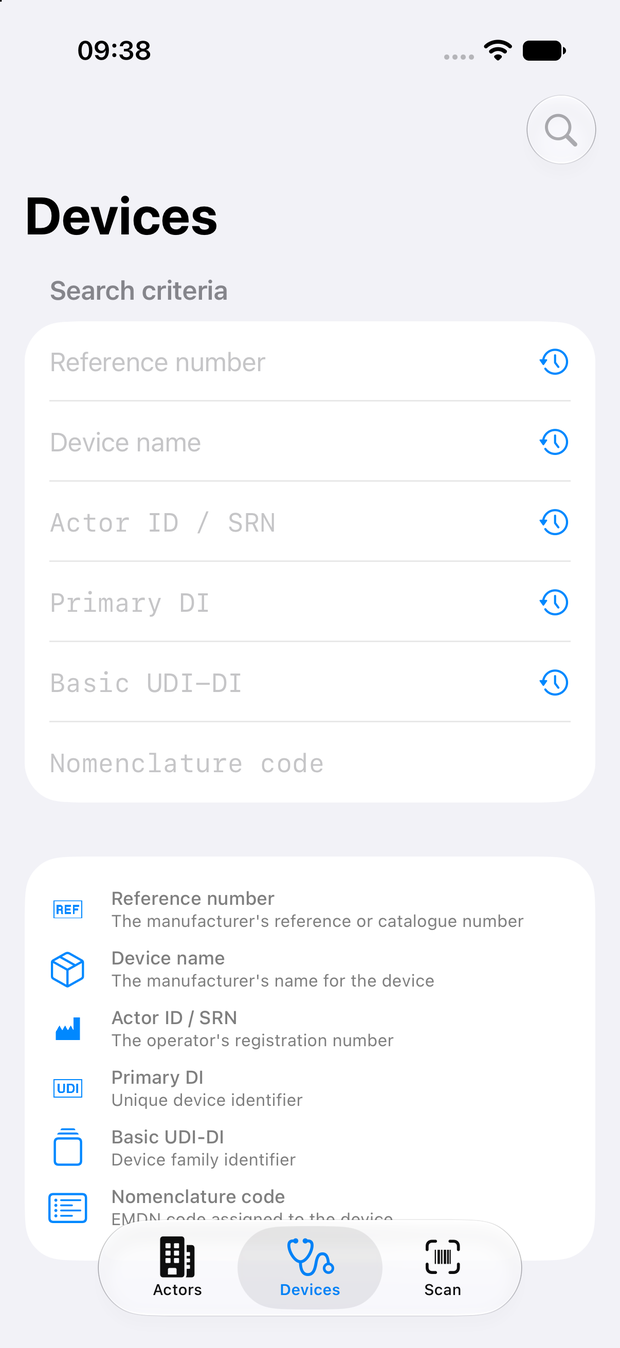
MDR Articles 13 and 14 put the verification duty on the importer and the distributor, not on the manufacturer who supplied the device. Before you take a product on, look up the manufacturer's SRN and the registered devices, and confirm the registration is current, so that part of your check rests on something you have seen rather than on what the supplier told you.
Notified body staff and anyone who needs a registration checked away from a desk will find it just as useful — scan the label, get the answer.